Developer Tool
Next.js One-Click Project Creator.
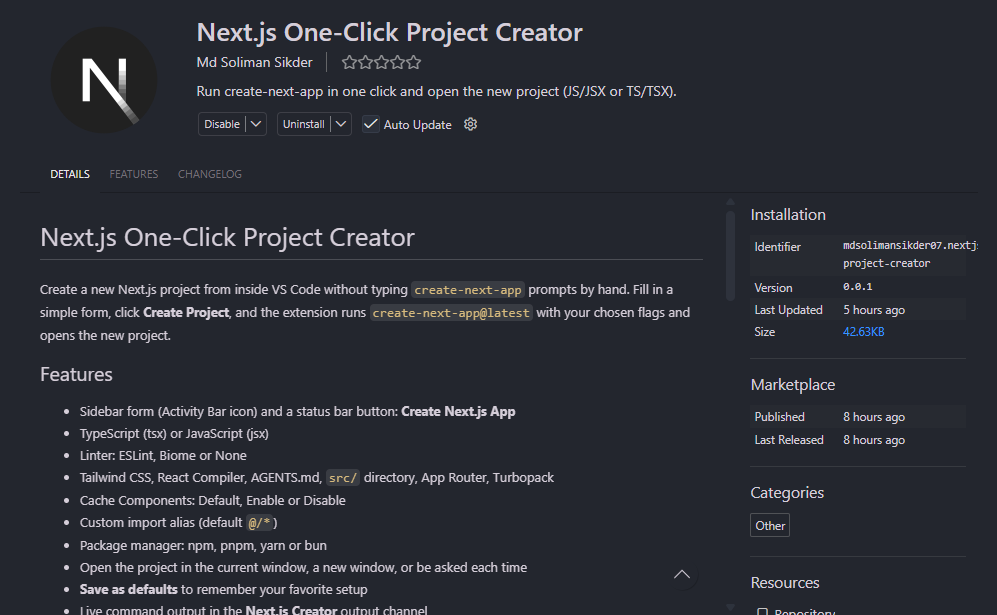
A VS Code extension that simplifies Next.js project creation with customizable configuration options and one-click project setup.
OVERVIEW
What it's about
Next.js One-Click Project Creator is a Visual Studio Code extension designed to make Next.js project setup faster and more convenient. It allows developers to create new Next.js applications directly from VS Code using an intuitive sidebar form or status bar command. The extension provides flexible configuration options, including TypeScript or JavaScript, ESLint, Biome, Tailwind CSS, React Compiler, App Router, Turbopack, and package manager selection. It also supports custom import aliases, project directory selection, saved default configurations, and automatic project opening. By integrating create-next-app into VS Code, the extension eliminates repetitive setup prompts and streamlines the development workflow.
TECHNOLOGY
Built with
THE PROCESS
Challenges
- Integrating create-next-app with the VS Code extension workflow.
- Designing a user-friendly interface for Next.js project configuration.
- Supporting multiple programming languages and package managers.
- Managing various Next.js setup options and command-line flags.
- Implementing project directory selection and automatic project opening.
- Providing real-time command output and error feedback.
- Saving user preferences for faster project creation.
NEXT ITERATION
Future improvements
- Add support for custom Next.js project templates.
- Introduce pre-configured project starter presets.
- Add support for popular UI libraries and integrations.
- Improve project creation progress tracking.
- Add advanced configuration options for Next.js projects.
- Enhance error handling and project setup recovery.
- Introduce reusable configuration profiles.