PROJECT / GIT-FOLDER-MANAGER
Developer Tool
Git Folder Manager.
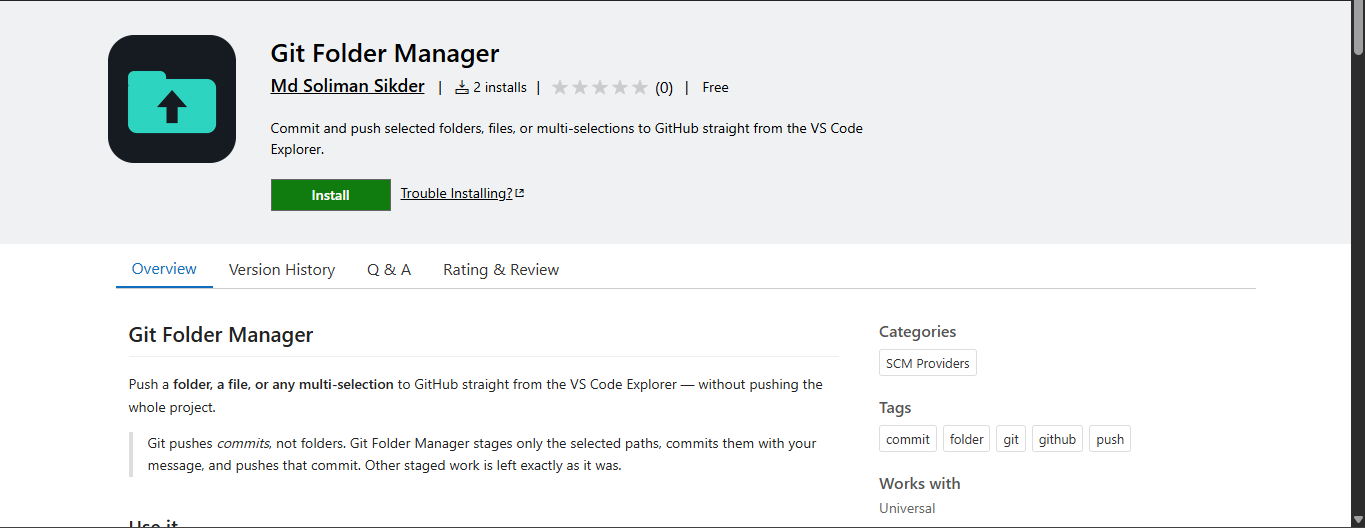
A VS Code extension that simplifies GitHub folder and individual file push workflows with flexible commit and permission controls.
OVERVIEW
What it's about
Git Folder Manager is a Visual Studio Code extension designed to make GitHub workflows more flexible and convenient. It allows developers to select and push entire folders or individual files to GitHub directly from VS Code. The extension provides a commit message dialog before pushing changes, permission confirmation for GitHub operations, and a Don't Ask Again option to remember user preferences. Its goal is to simplify file management and give developers more control over their GitHub push workflow.
TECHNOLOGY
Built with
THE PROCESS
Challenges
- Implementing folder-based GitHub push functionality inside VS Code.
- Supporting individual file selection and push operations.
- Designing a flexible workflow for managing Git commits.
- Implementing permission confirmation before pushing changes.
- Managing user preferences through a Don't Ask Again option.
- Providing a simple and intuitive extension interface.
NEXT ITERATION
Future improvements
- Add support for multiple GitHub repositories.
- Improve folder and file selection workflows.
- Add branch selection before pushing changes.
- Introduce push history and commit tracking.
- Improve error handling and network failure recovery.
- Add more advanced Git operations and customization options.